Free, and it runs in your browser
Make every screenshot launch-ready
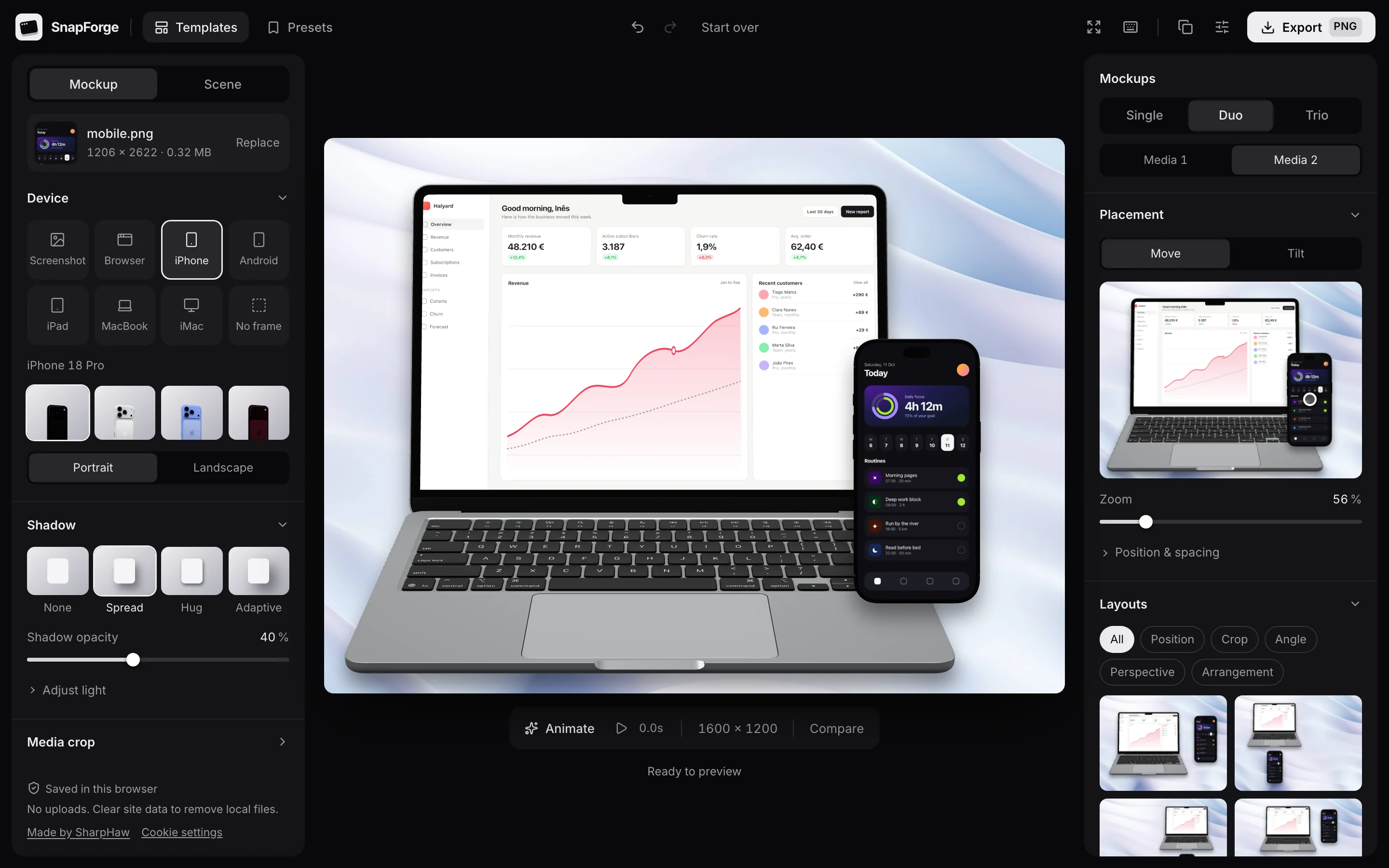
Drop in a screenshot or screen recording, put it in an iPhone, MacBook or browser window, then export a 4K PNG or a short video. Nothing gets uploaded.
No account. Nothing to install.
- Largest PNG side, landscape or portrait
- 4096 px
- One-click templates
- 12
- Device and window frames
- 7
- Files uploaded to a server
- 0
Features
Everything a product shot needs
Frames, backdrops, tilt and motion, all in one editor, so a raw screenshot turns into something you would put on a launch page.
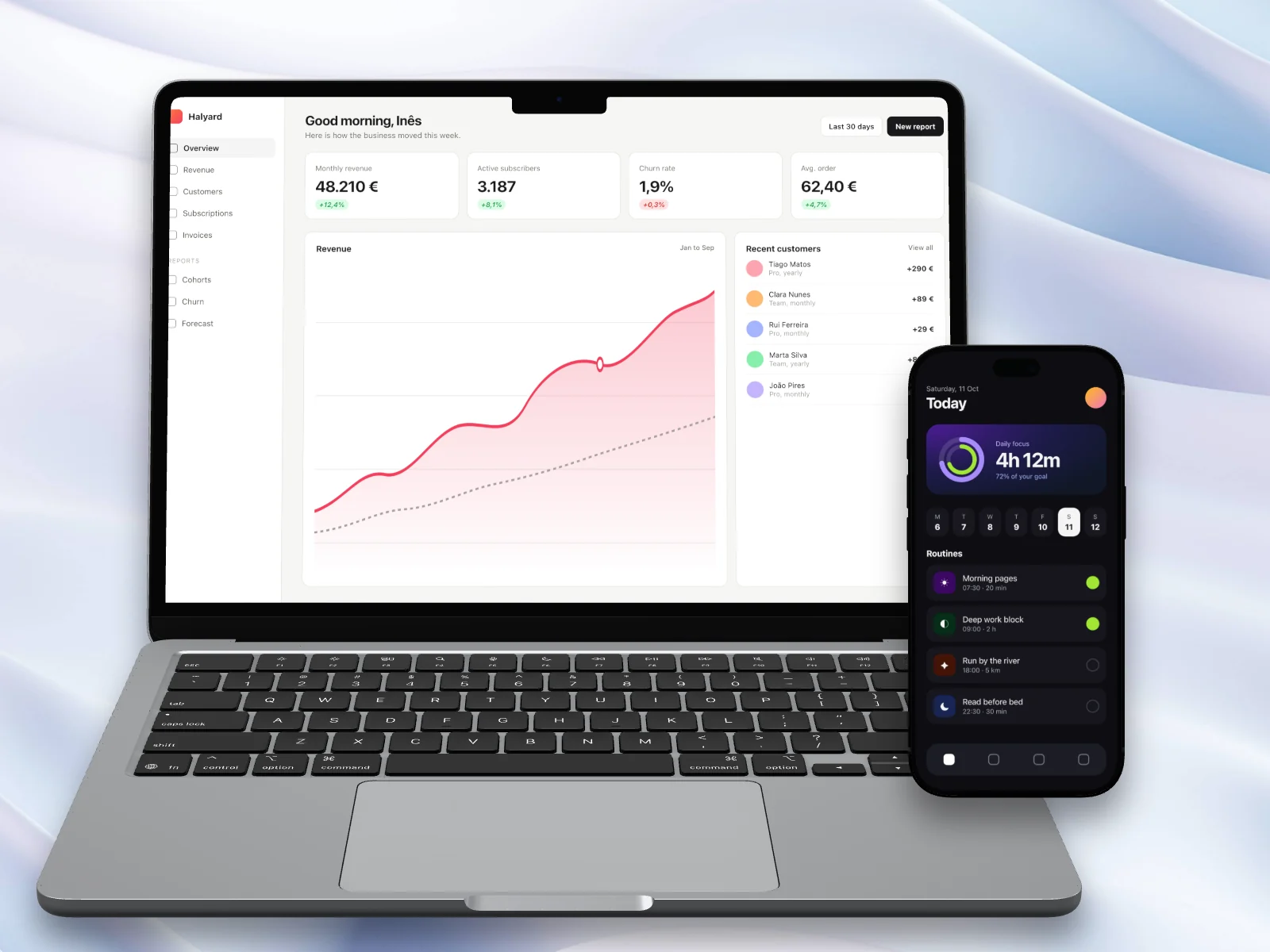
Real devices, rendered in 3D
iPhone, Android, iPad, MacBook and iMac in several finishes, plus browser windows and clean screenshot frames. Images and video play inside the screen.
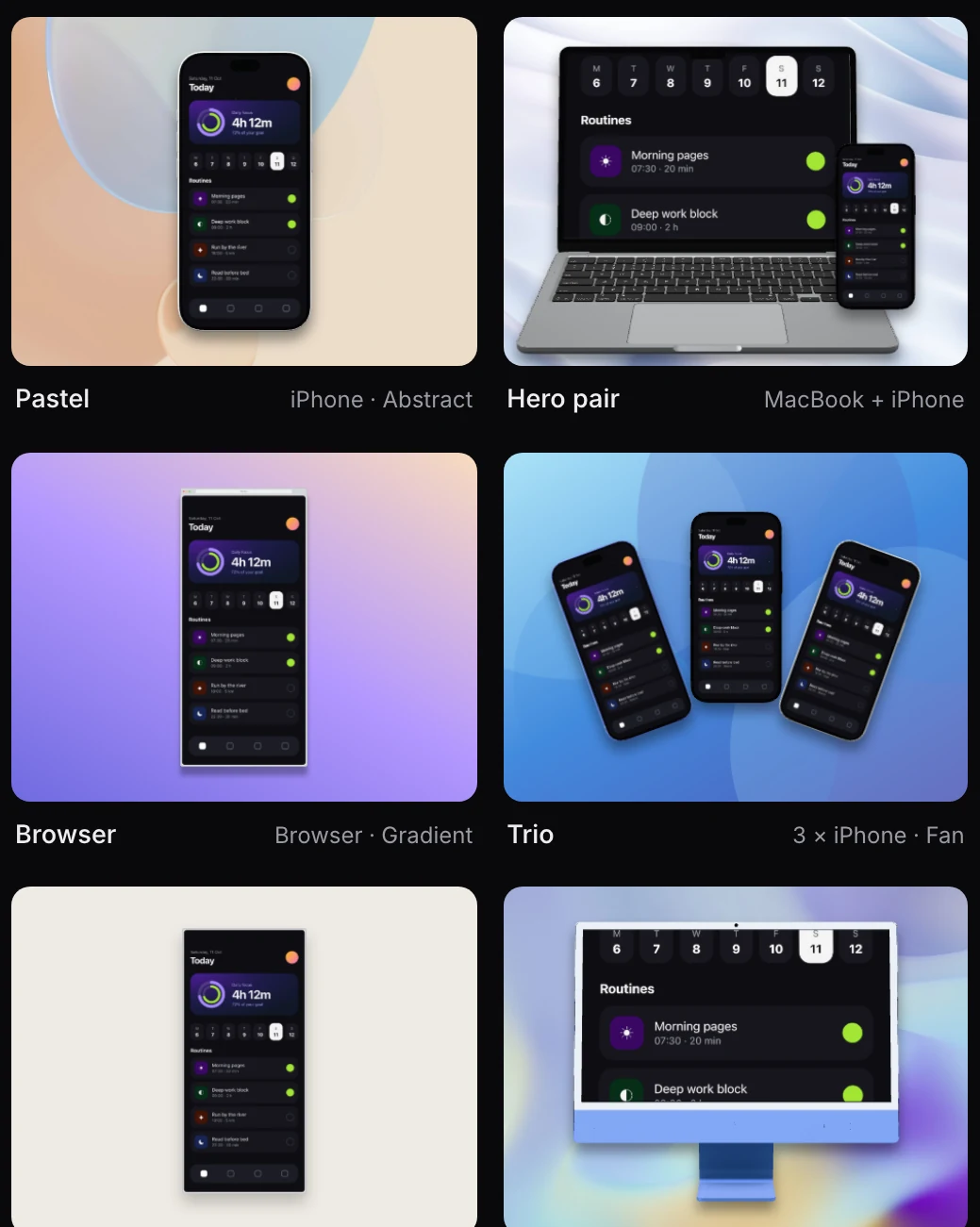
Templates to start from
Twelve templates set the device, scene and layout in one click. Then change any of it.
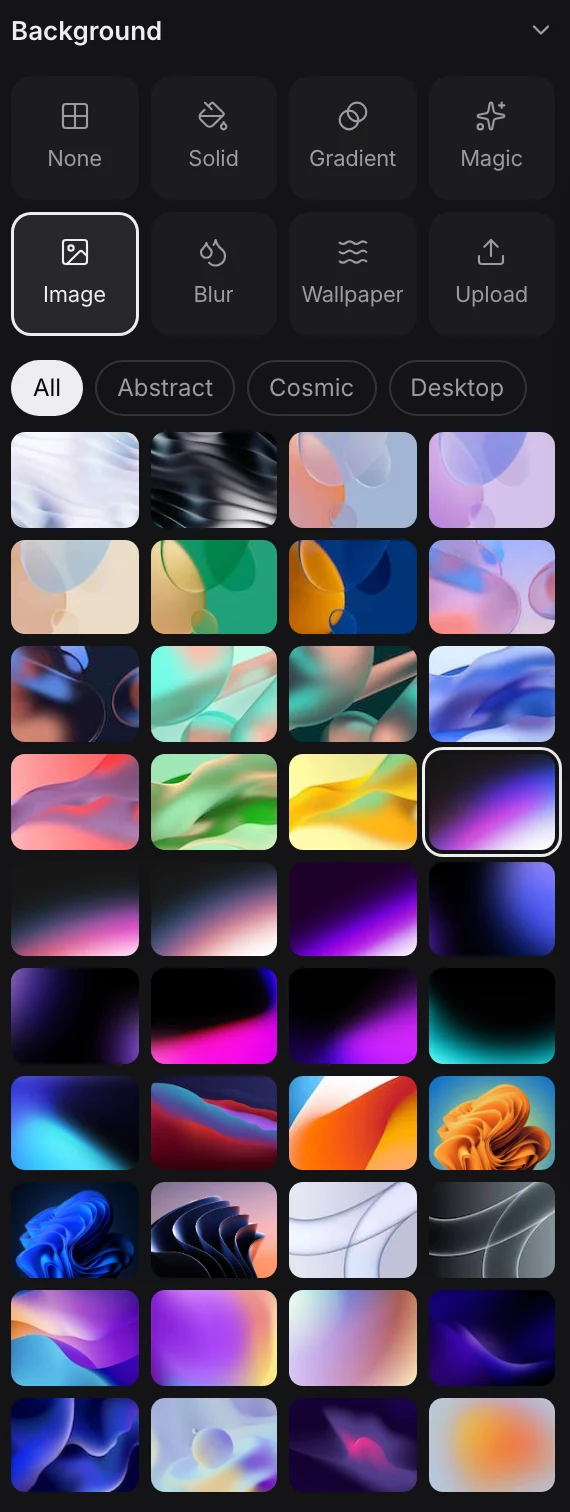
Backdrops for any mood
Gradients, solid colours, blurred media, wallpapers, Unsplash photos or your own image.
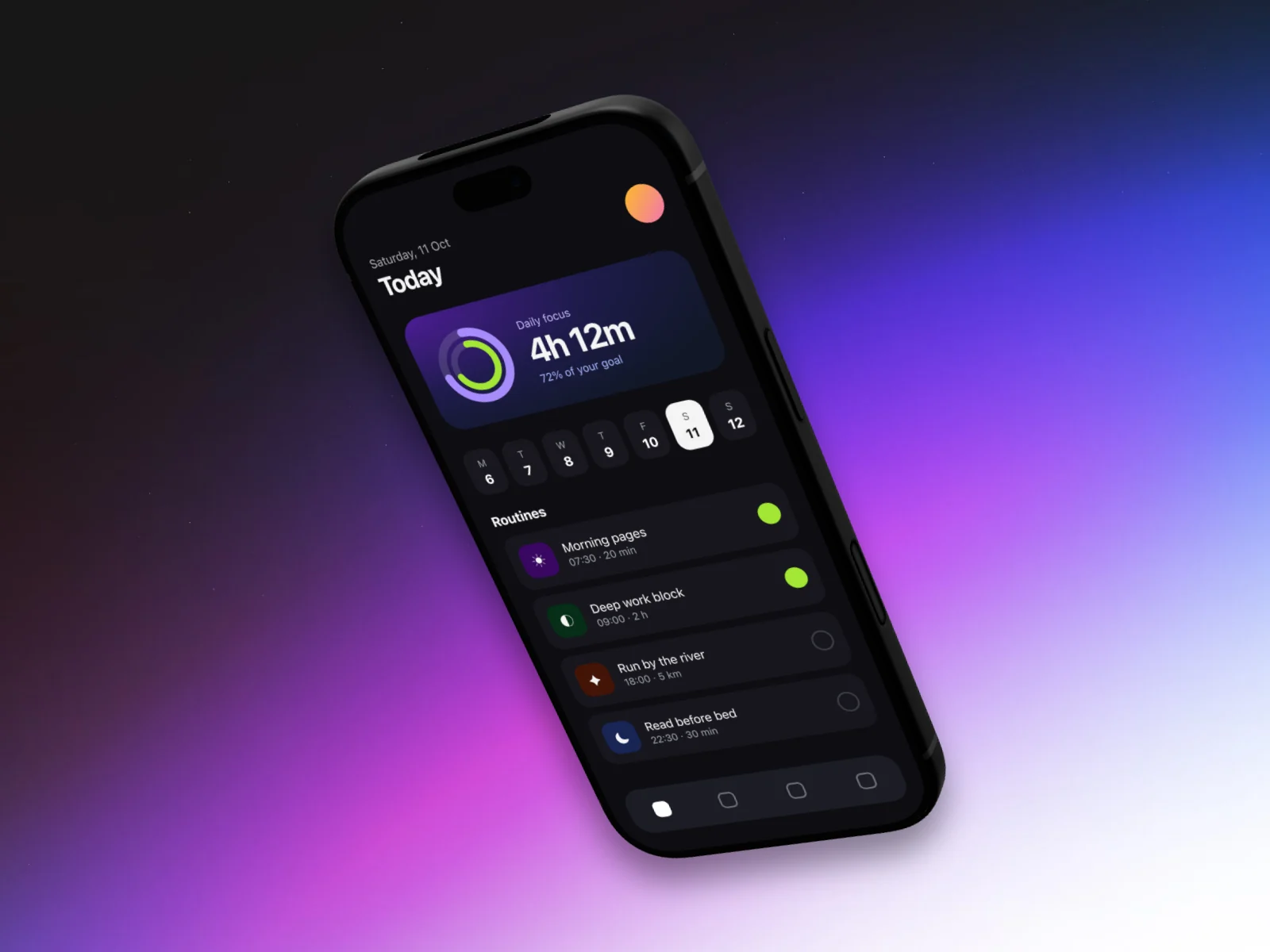
Tilt, angle and layout
Drag to place each mockup, tilt it in perspective or pick a layout that arranges it for you.
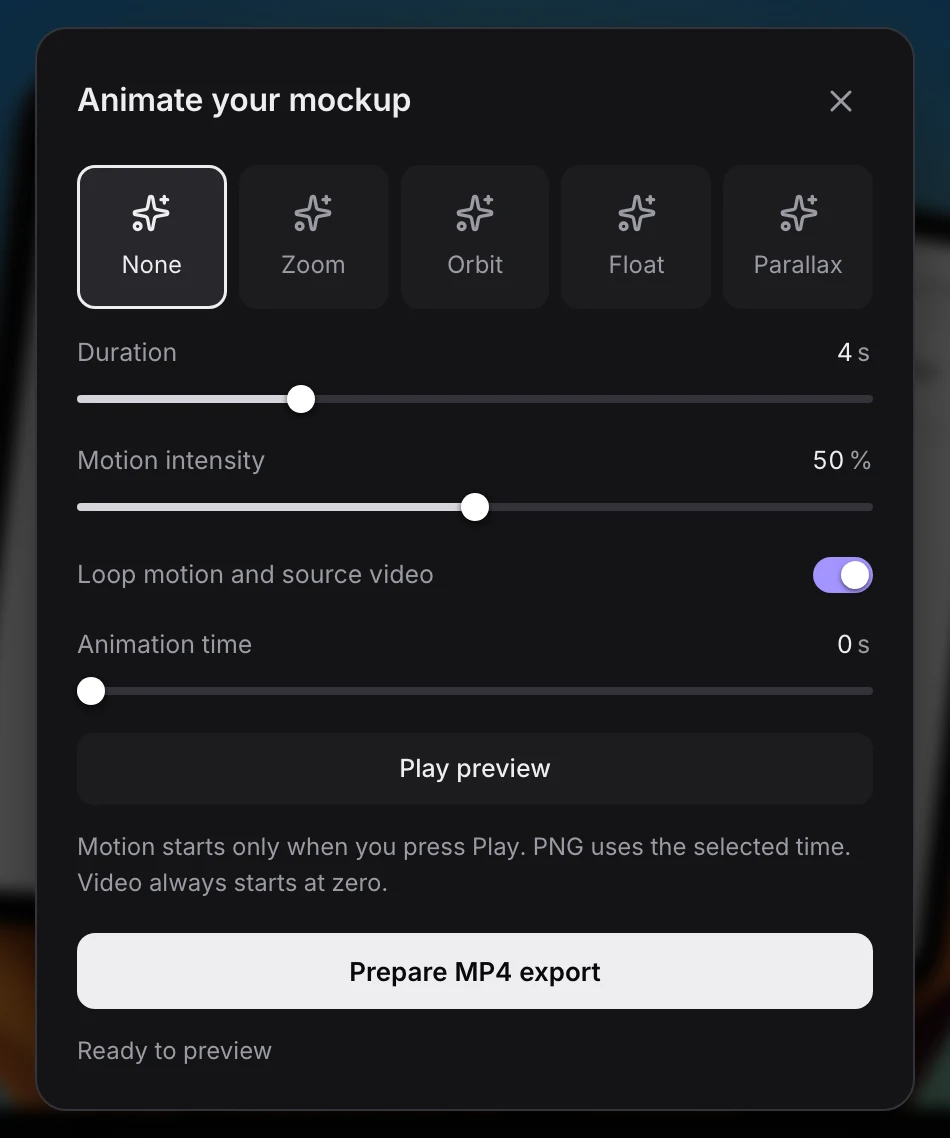
Motion and video export
Zoom, orbit, float or parallax motion, rendered locally to MP4 or WebM up to 1080p.
Duo and trio scenes
Put up to three images or videos in one scene, each with its own frame.
Style presets
Save a look as a preset, reuse it on the next shot or share it as a file.
Fine-tuning
Shadows, light, filters and your logo, with undo for every change.
How it works
From raw screenshot to launch visual
One screen, three steps, and no upload between them.
- 01 / 03
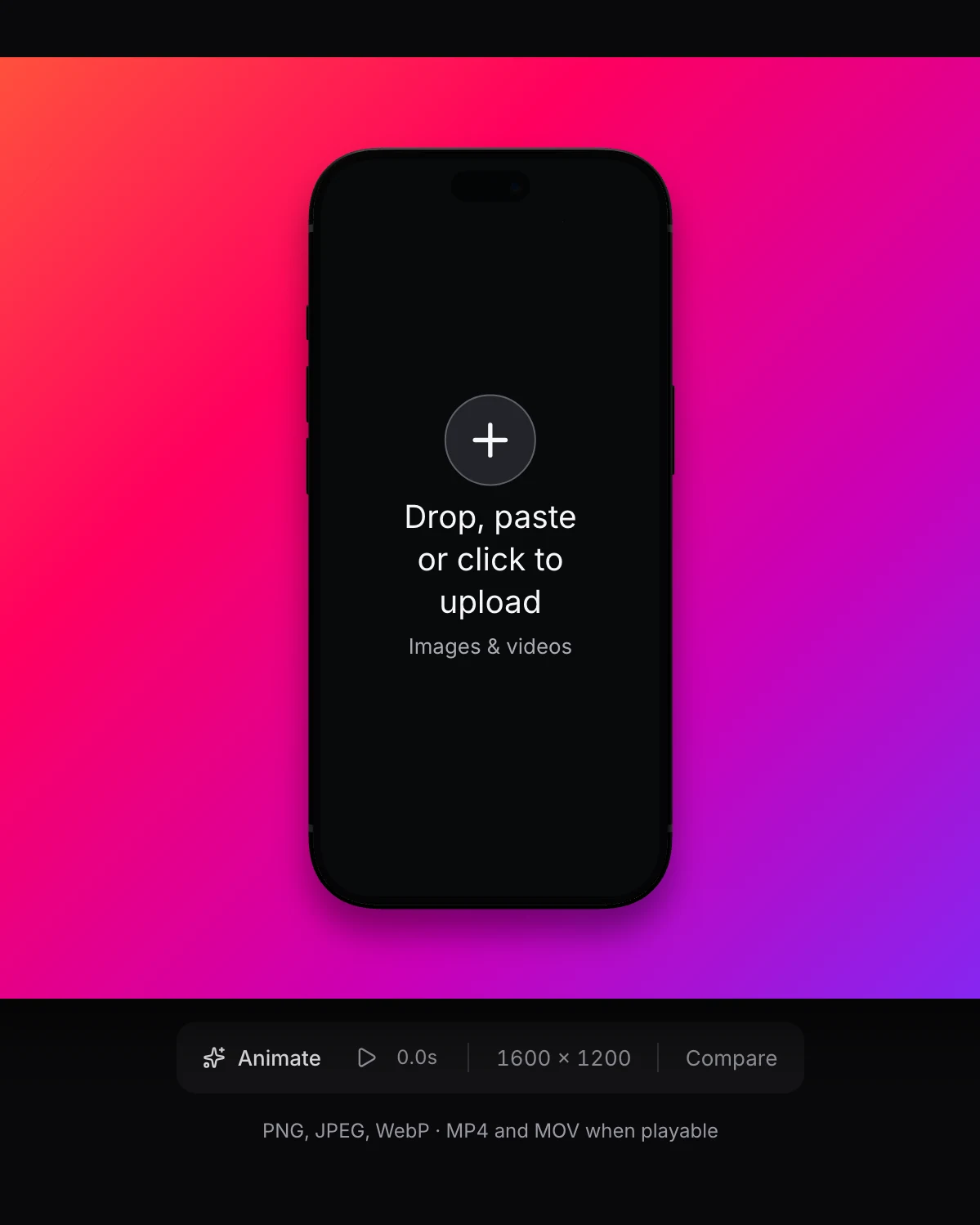
Drop in your media
Drag, paste or browse for a screenshot or a screen recording. PNG, JPEG and WebP images work, and so do MP4 and MOV clips your browser can play.
- 02 / 03
Pick a template, then make it yours
Start from a template, then change the device, finish, backdrop, shadow, tilt and layout. Every change can be undone, and the draft is kept in your browser.
- 03 / 03
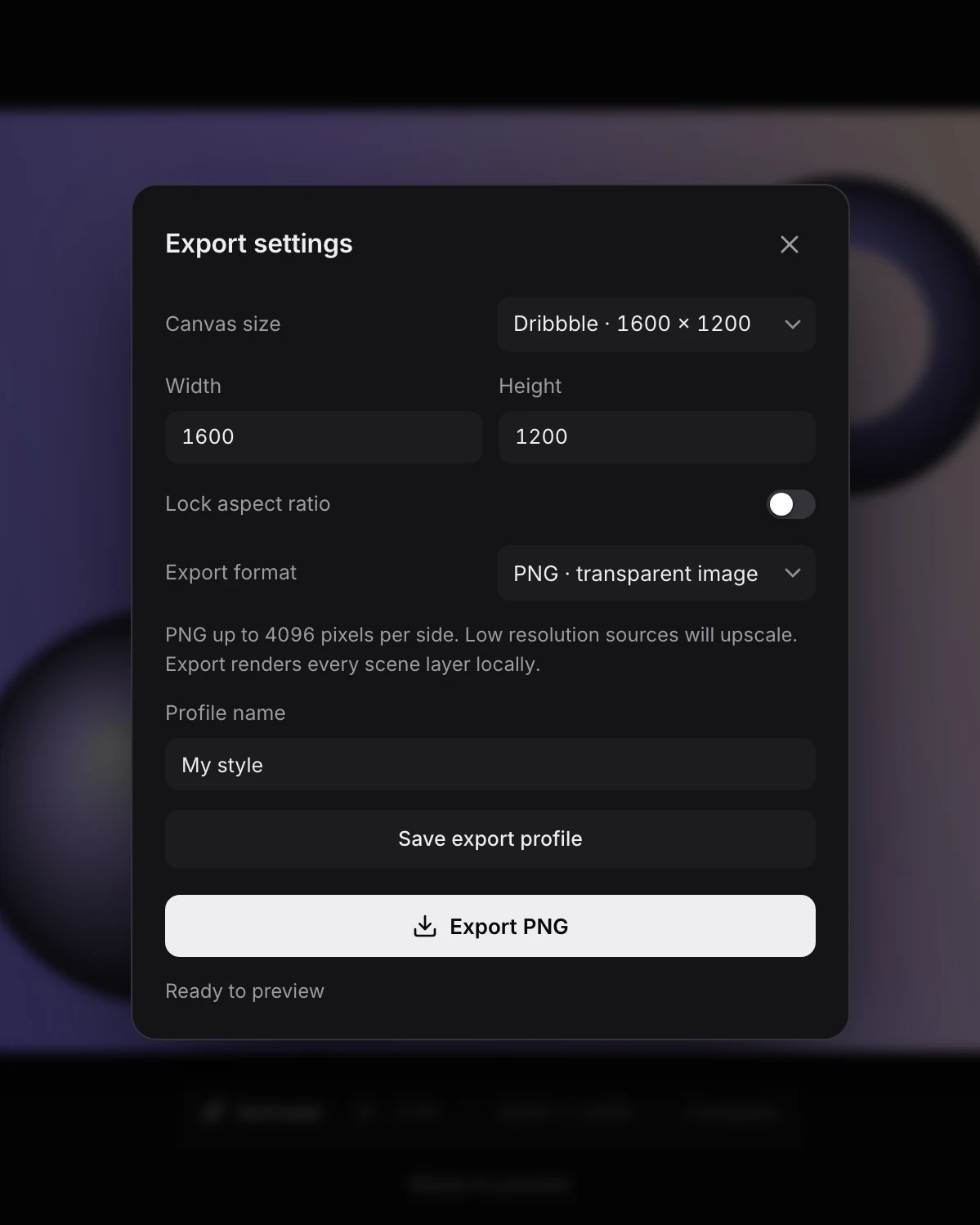
Export at the size you need
Download an exact-size PNG up to 4096 pixels per side, with a transparent background if you want one, copy it to the clipboard, or render a short MP4 or WebM.
Templates
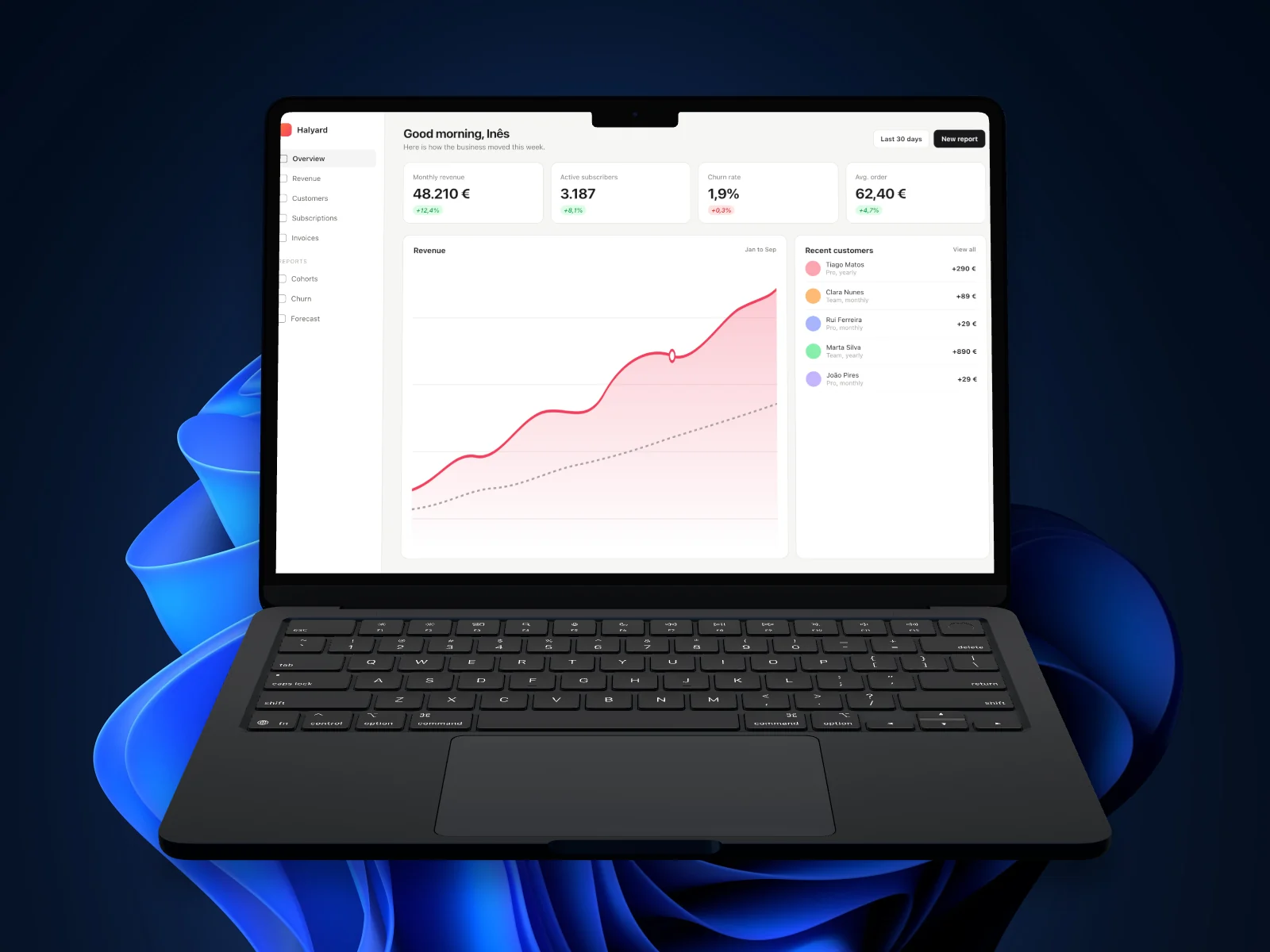
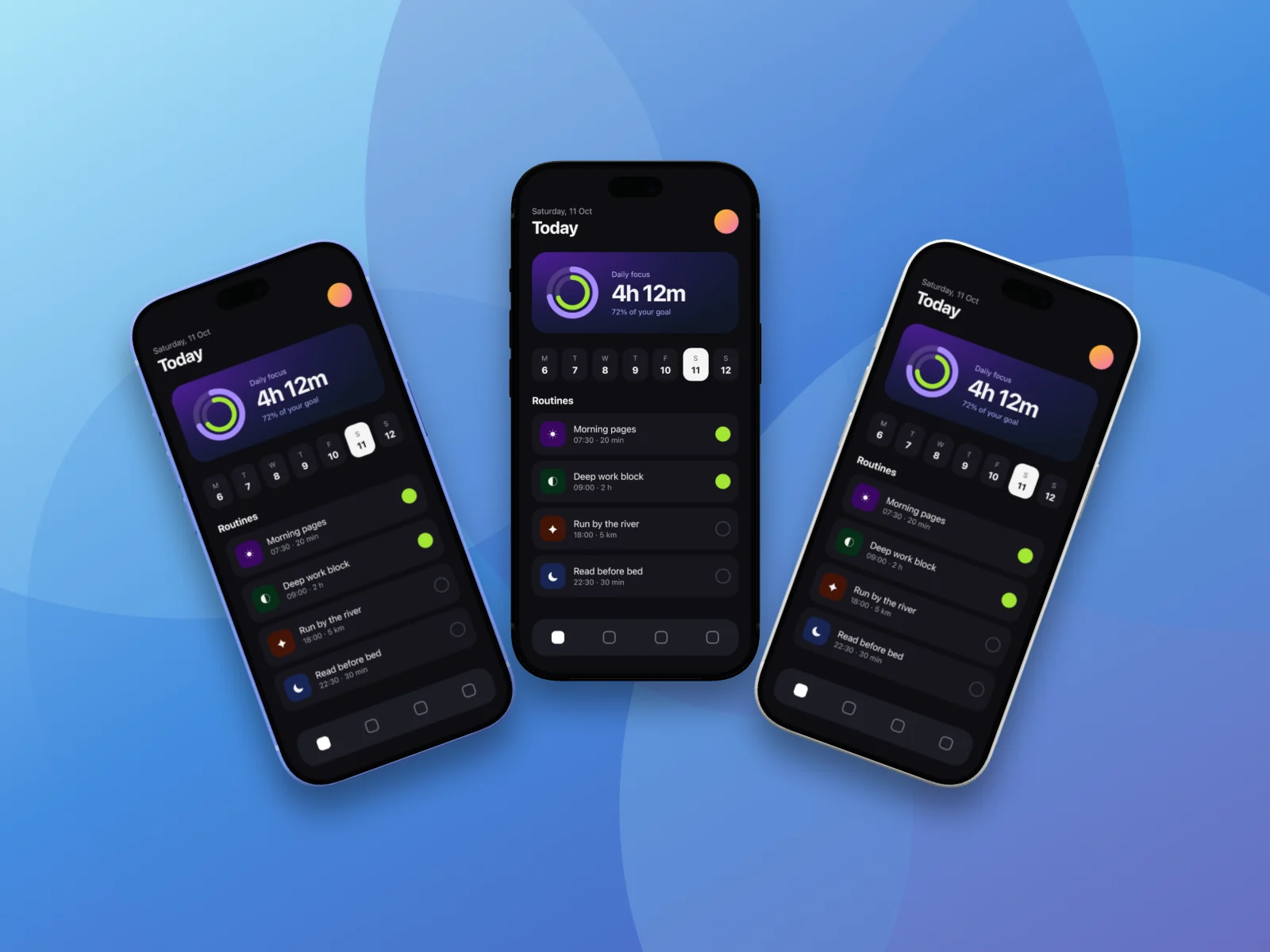
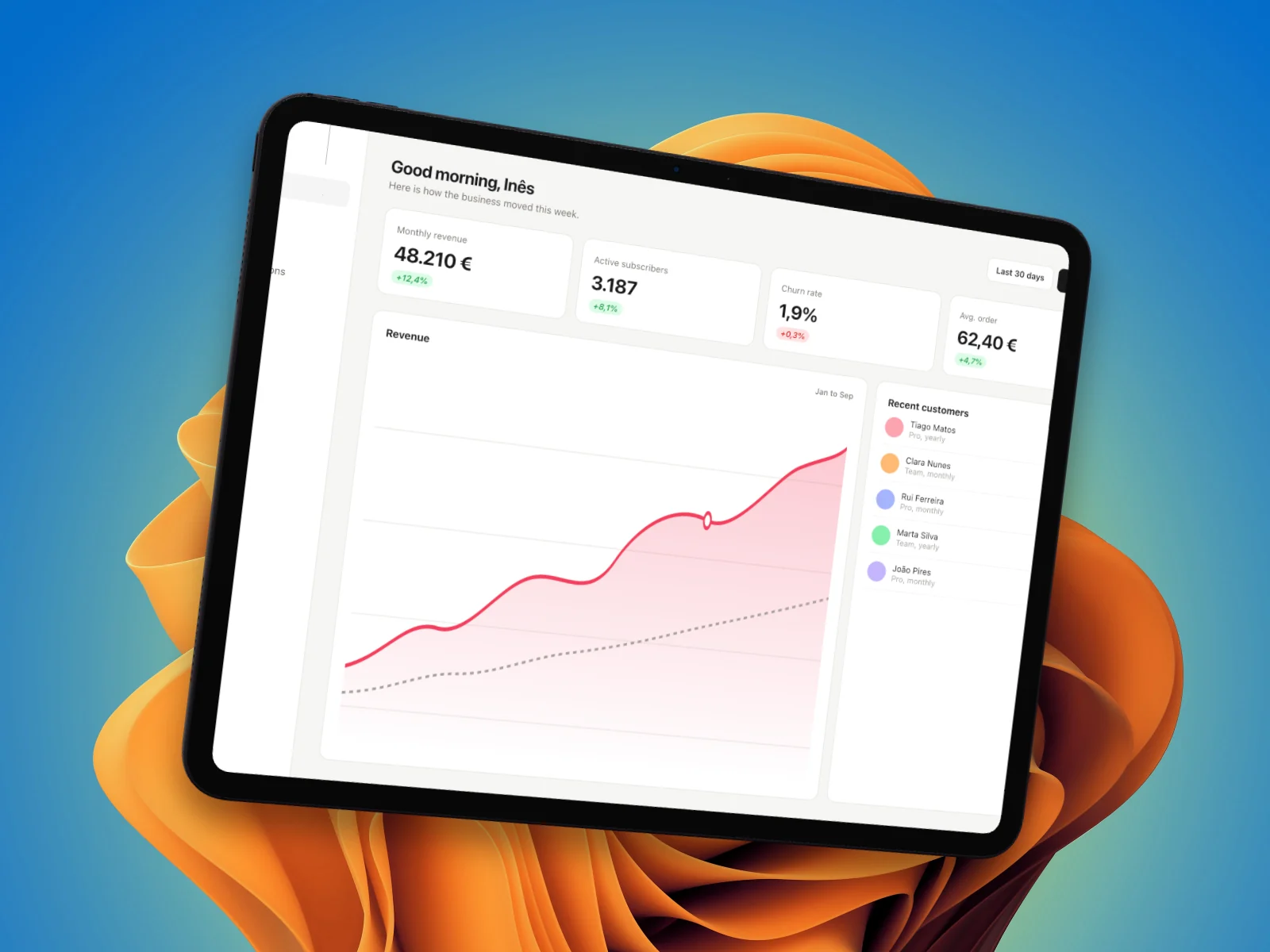
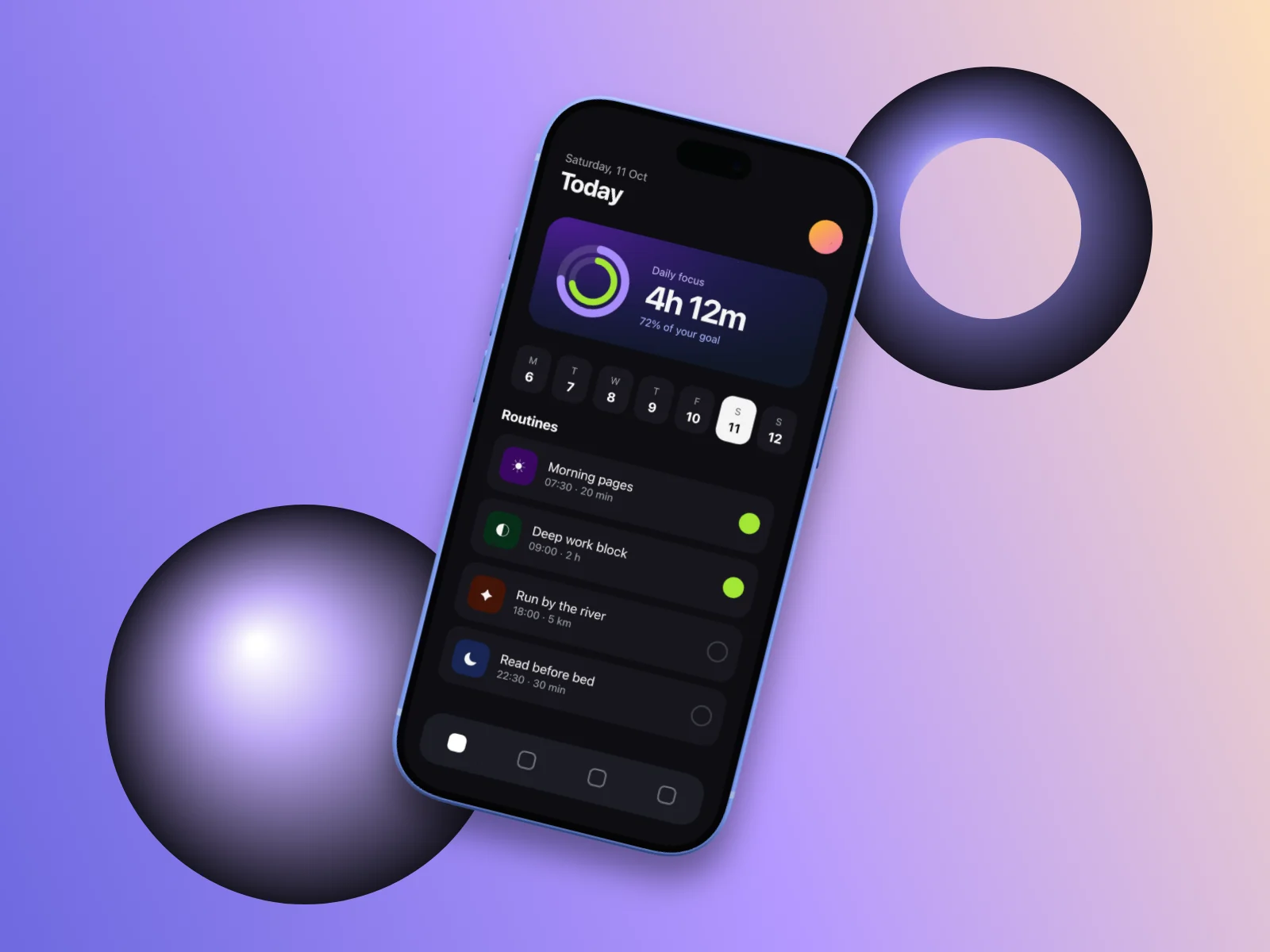
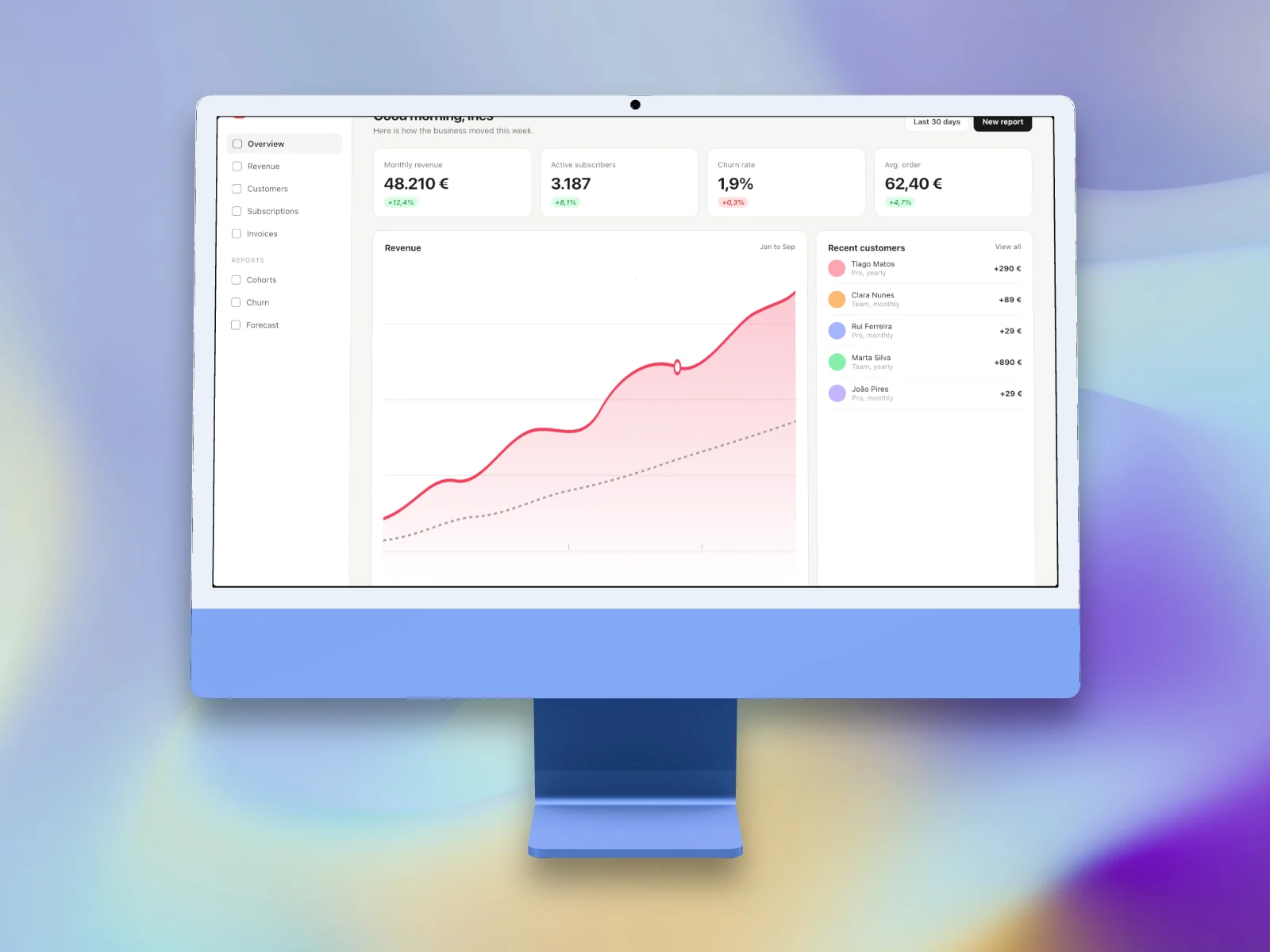
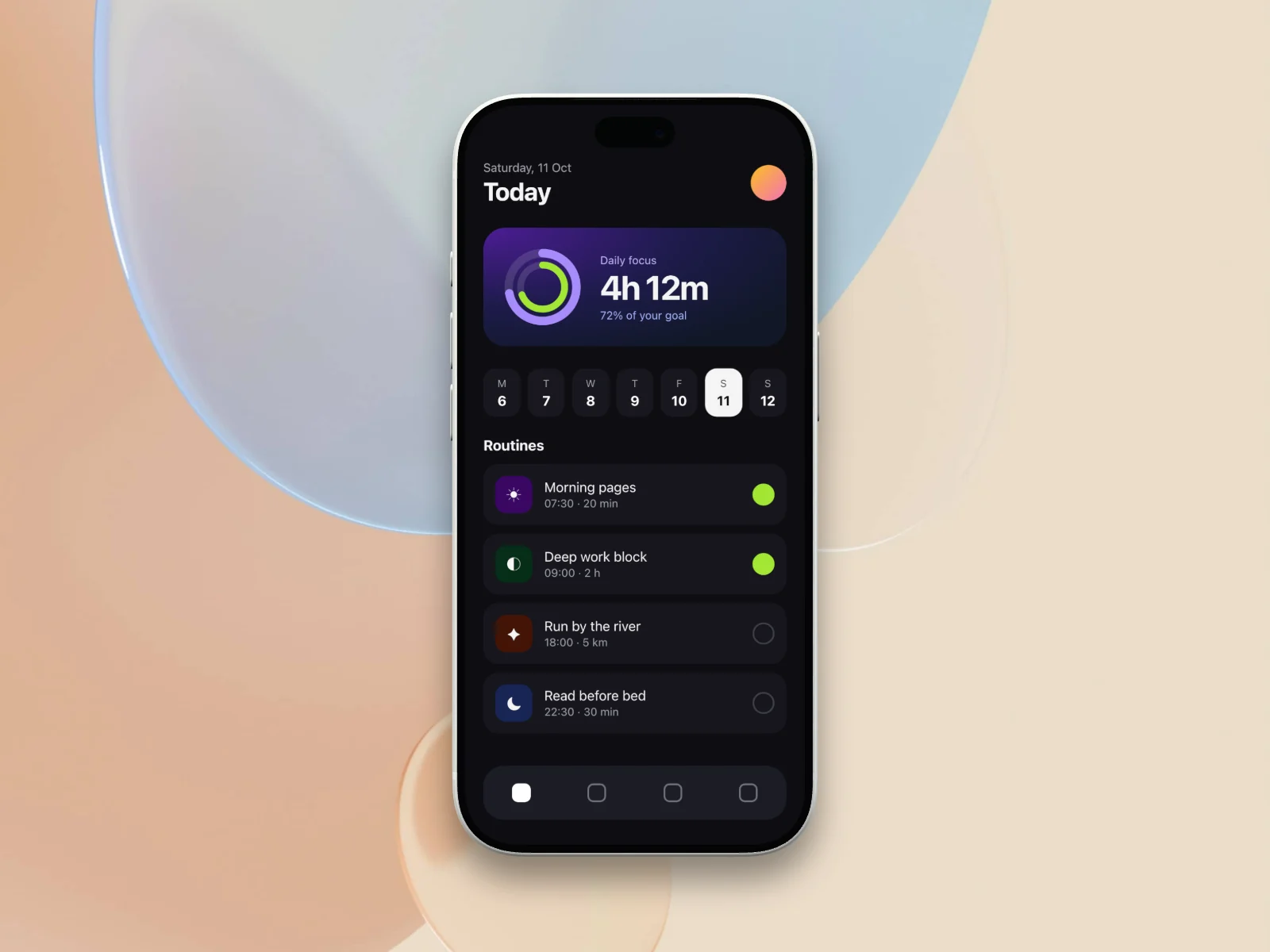
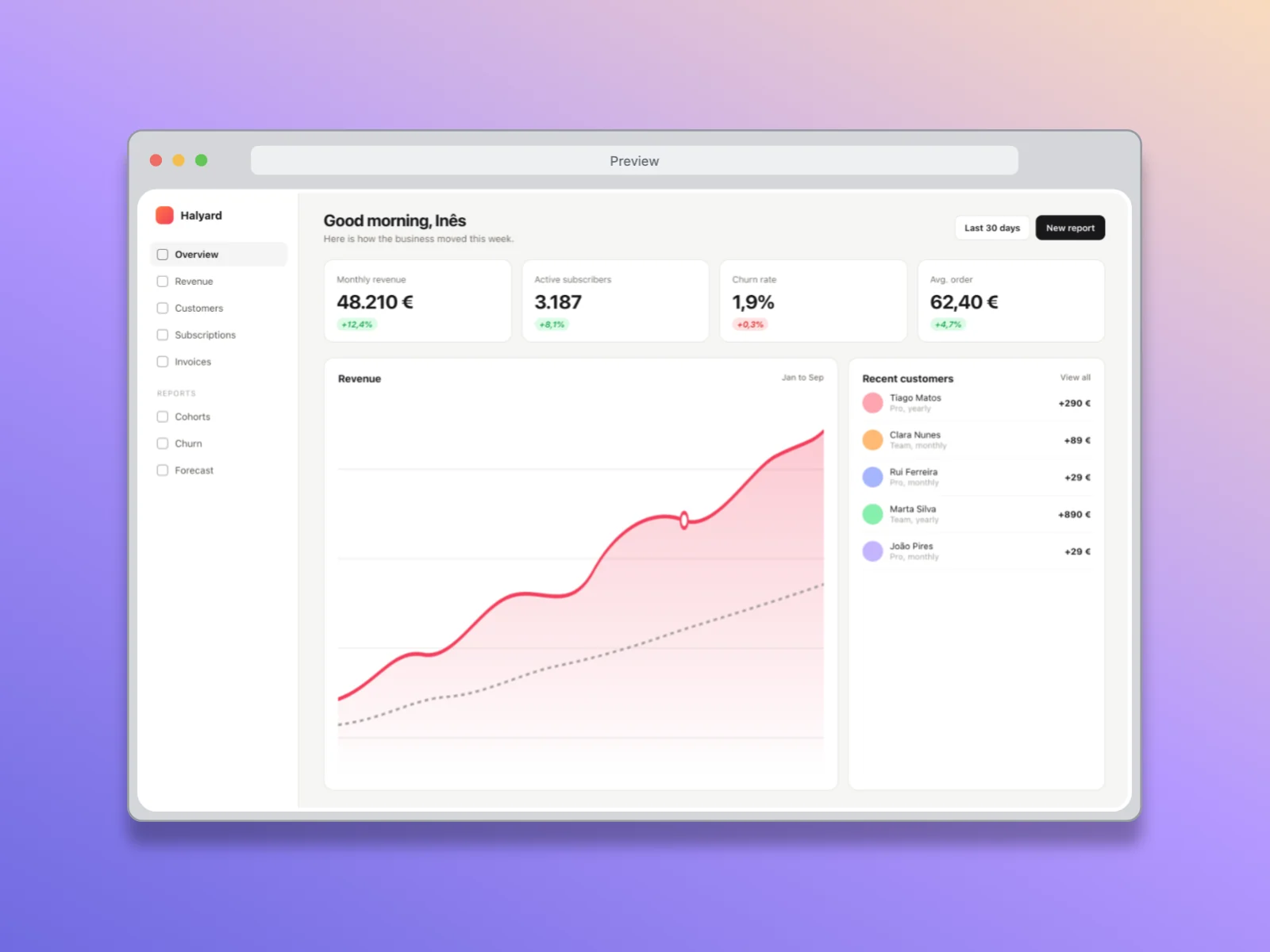
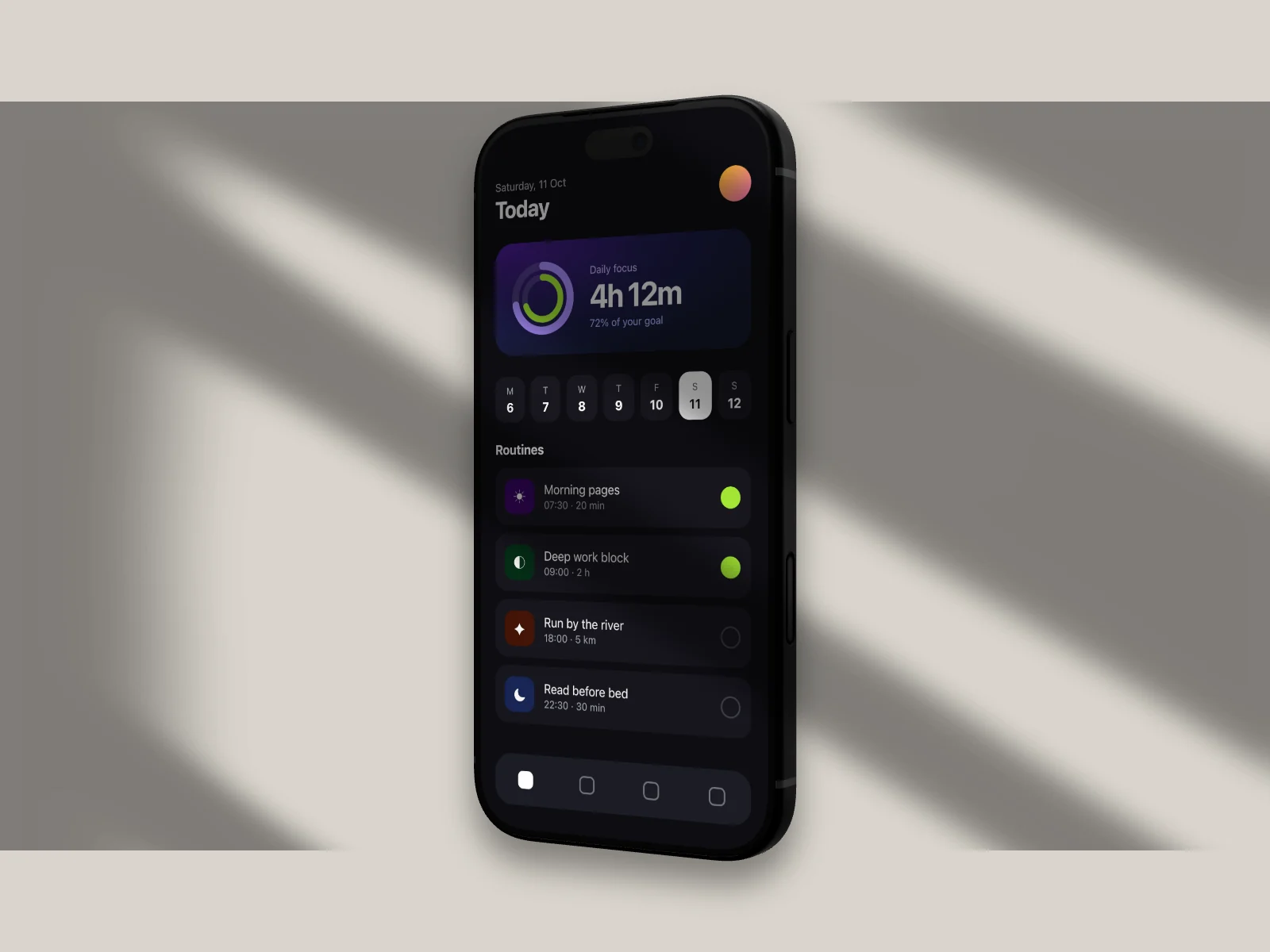
Every image here came out of SnapForge
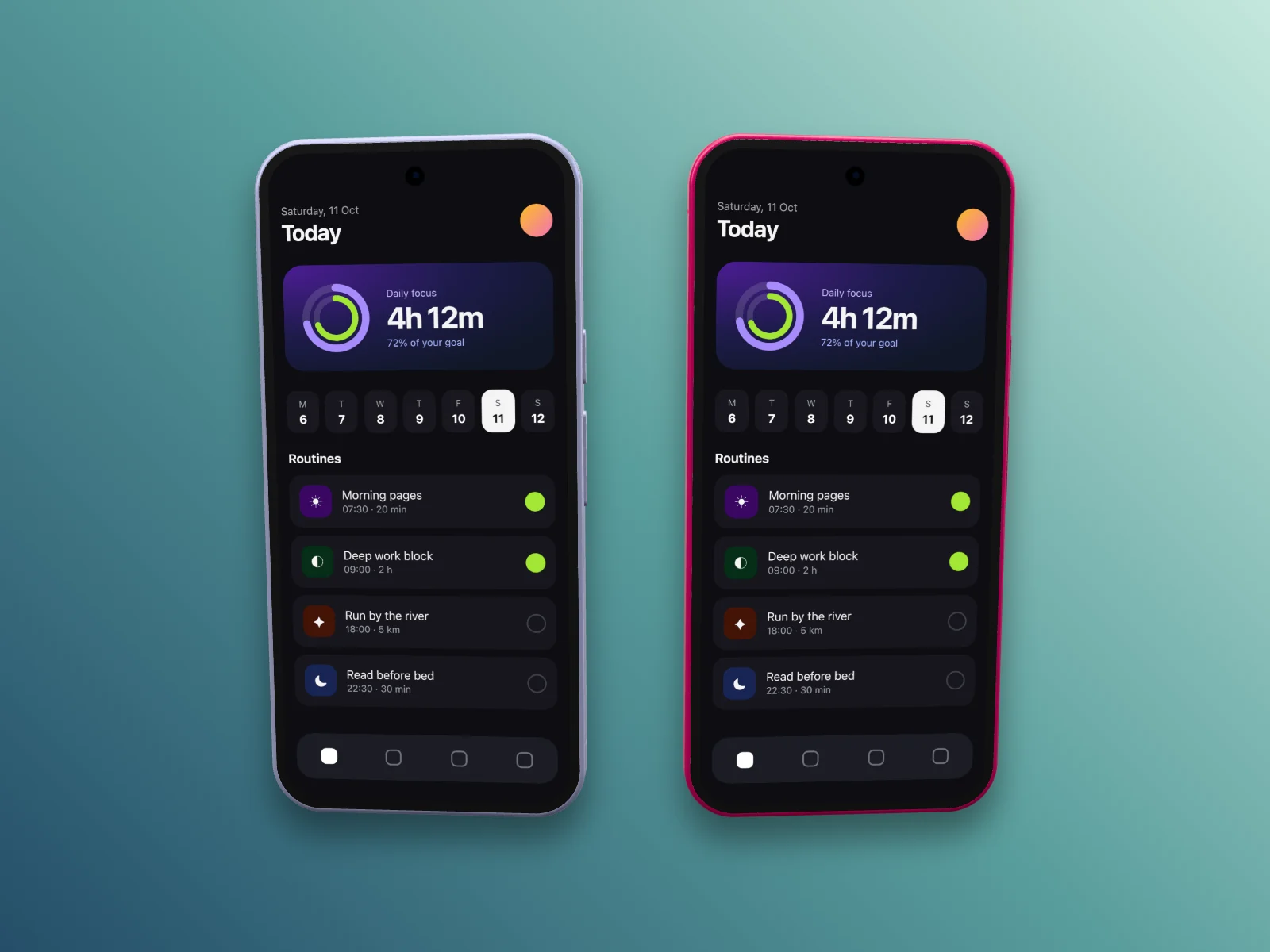
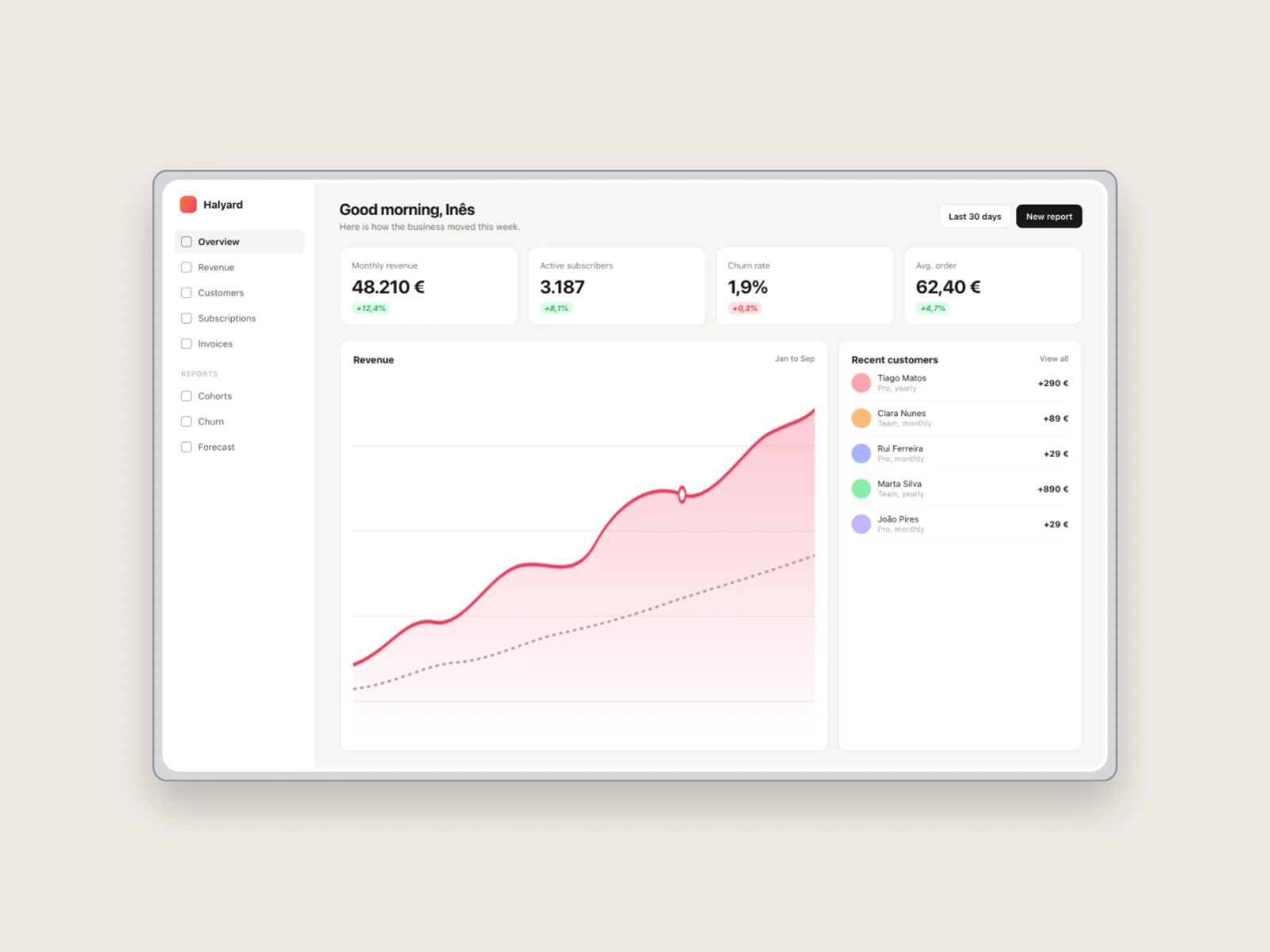
Two screenshots, a dashboard and a phone app, run through each of the twelve templates. Every image is a straight 1600 × 1200 export.
Private by default
Your screenshots never leave your browser
SnapForge is a web app that works like a desktop one. Your screenshots can show unreleased work, so they stay on your computer.
Nothing to upload
Images and video are decoded, rendered and exported inside the tab you are using. There is no rendering server.
Drafts stay on this device
Your scene and the original files are kept in the browser's own storage, so you can close the tab and carry on later.
Online only when you choose
Unsplash search sends the words you type, never your files. Analytics load only after you accept them.
Roadmap
What we are building next
Mockups come first. Polished video is next.
- Planned
Video editing in the browser
Cuts, manual zooms, crops, audio and captions for the recordings you import, with the same local export.
- Planned
A desktop app for macOS
Native screen recording that captures cursor and click data, so zooms can follow what you did on screen.
FAQ
Questions, answered
Your next launch visual starts with a screenshot
Free, no account, and your files stay on your computer.
Open the editor